How it works
From “How much?” to a booked visit, with less back-and-forth.
You prepare the services, questions, and prices your business uses. When a homeowner requests an estimate, Ofértamelo guides them to a useful range, confirms the enquiry, and keeps every next step connected.
Set it up once. Use it for every new estimate request.
A clearer first step for the customer. Better information for the business.
For the customer
- A short set of relevant questions
- An immediate starting range
- A clear record of what is included
- An estimate by email with a PDF
- The option to book an available visit
For the business
- A verified contact
- The original job details
- The estimate the customer received
- Replies and customer activity
- Visit details and the final outcome
Act one · Prepare it once
Before the first enquiry
Prepare the customer experience once.
Start with one service your customers regularly ask about. Give it a familiar name, choose the details you need from the customer, and add the prices your business already uses.
Preview a few realistic jobs before making the service available. The goal is a useful starting estimate, not an automatic answer for every unusual situation.
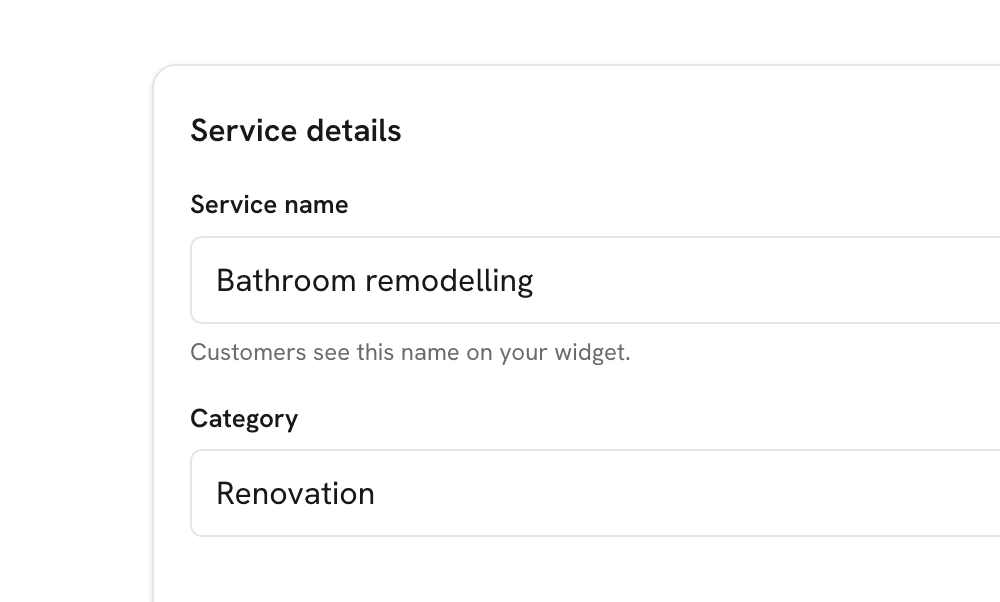
Name the service clearly
Use the words a customer would use, such as “Bathroom renovation,” “Interior painting,” or “Boiler replacement.”
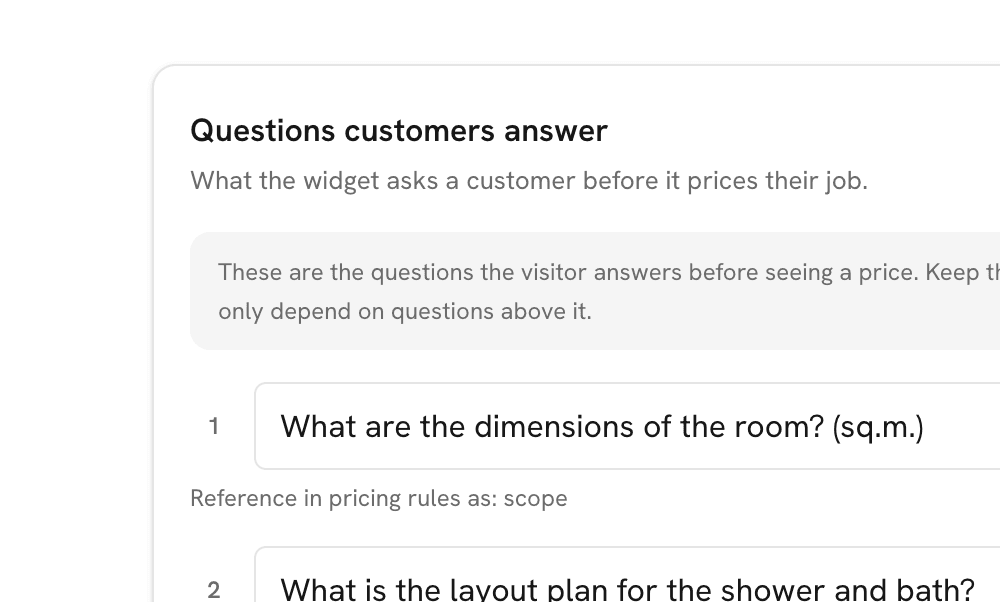
Ask for useful details
Collect the measurements, options, timing, and job context needed for a credible first estimate.
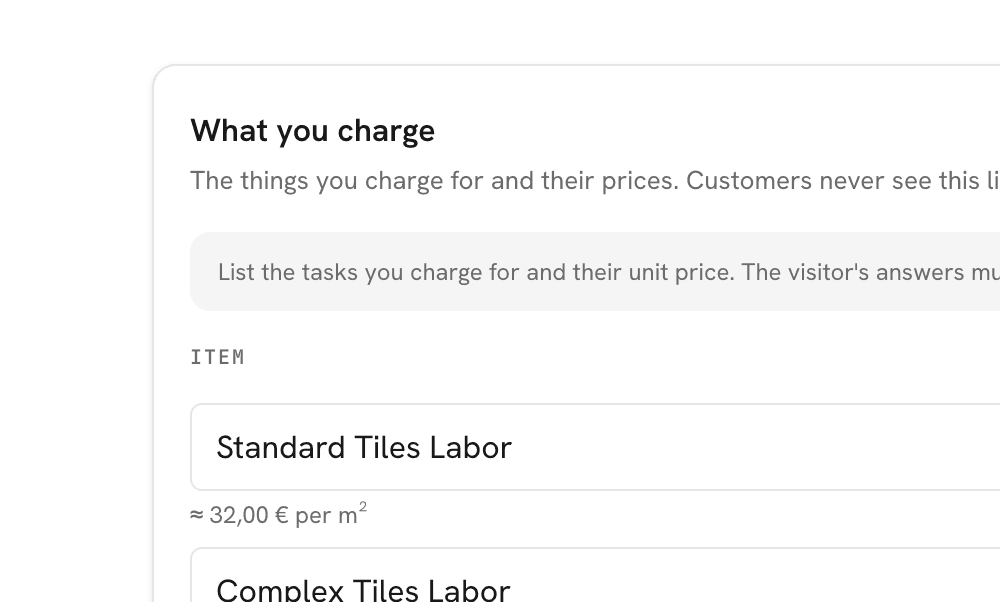
Add your normal prices
Use the prices and common job variations your business already understands.
Review the result
Try a typical job, a smaller job, and a larger one before customers see the service.
Act two · The customer asks for an estimate
01 · Job details
Ask what you would need to know on the first call.
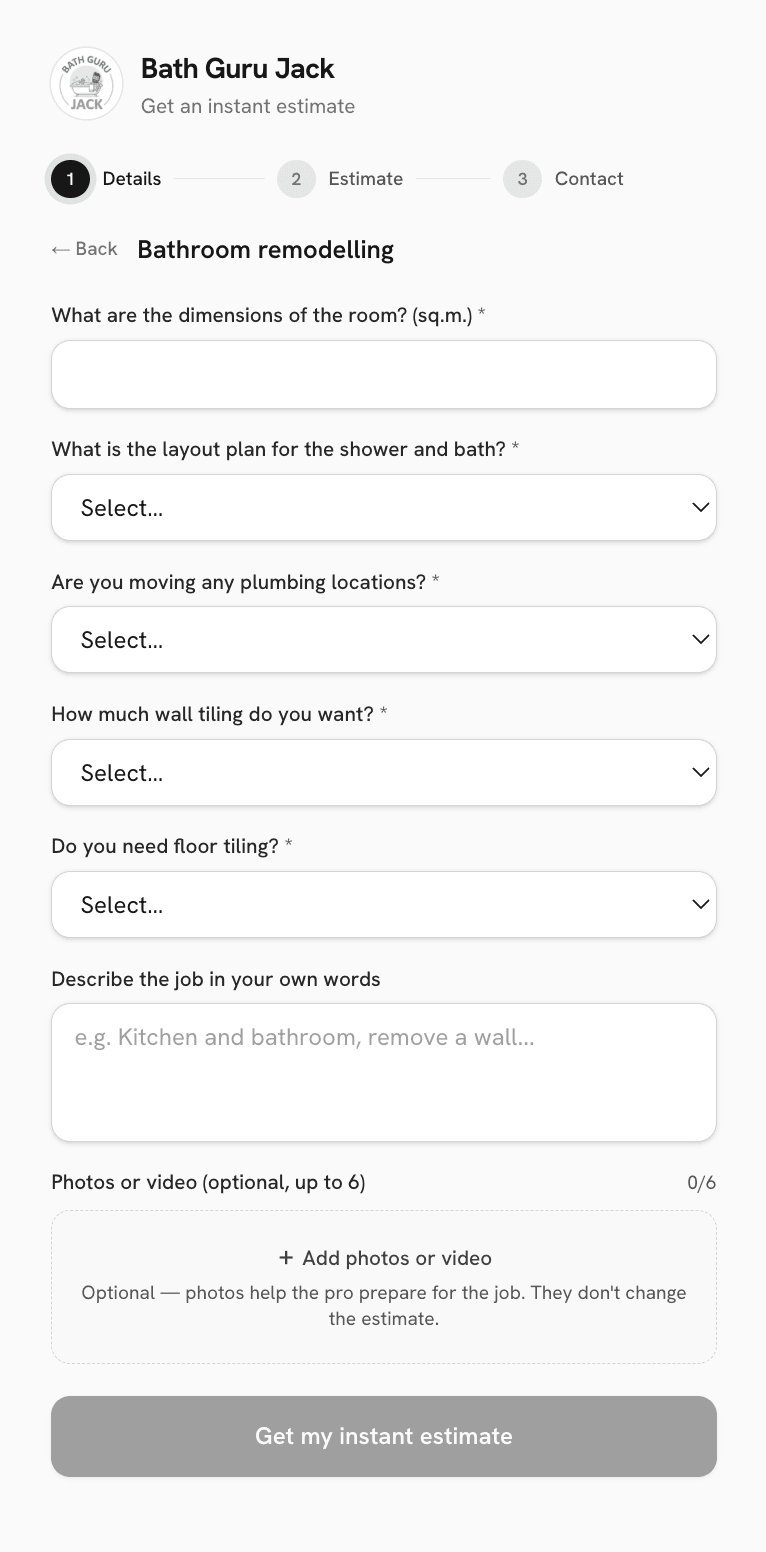
The customer chooses a service and answers a short set of questions about the work.
Questions can cover size, quantity, finish, timing, existing conditions, and other details relevant to that service. Photos or video can be offered when visual context would help the business prepare.
Customers see only the questions they need. Straightforward work does not have to pass through a long form.
Enough detail to prepare a sensible estimate. No questions added simply to fill a database.
02 · Immediate estimate
Give the customer a useful number while they are still interested.
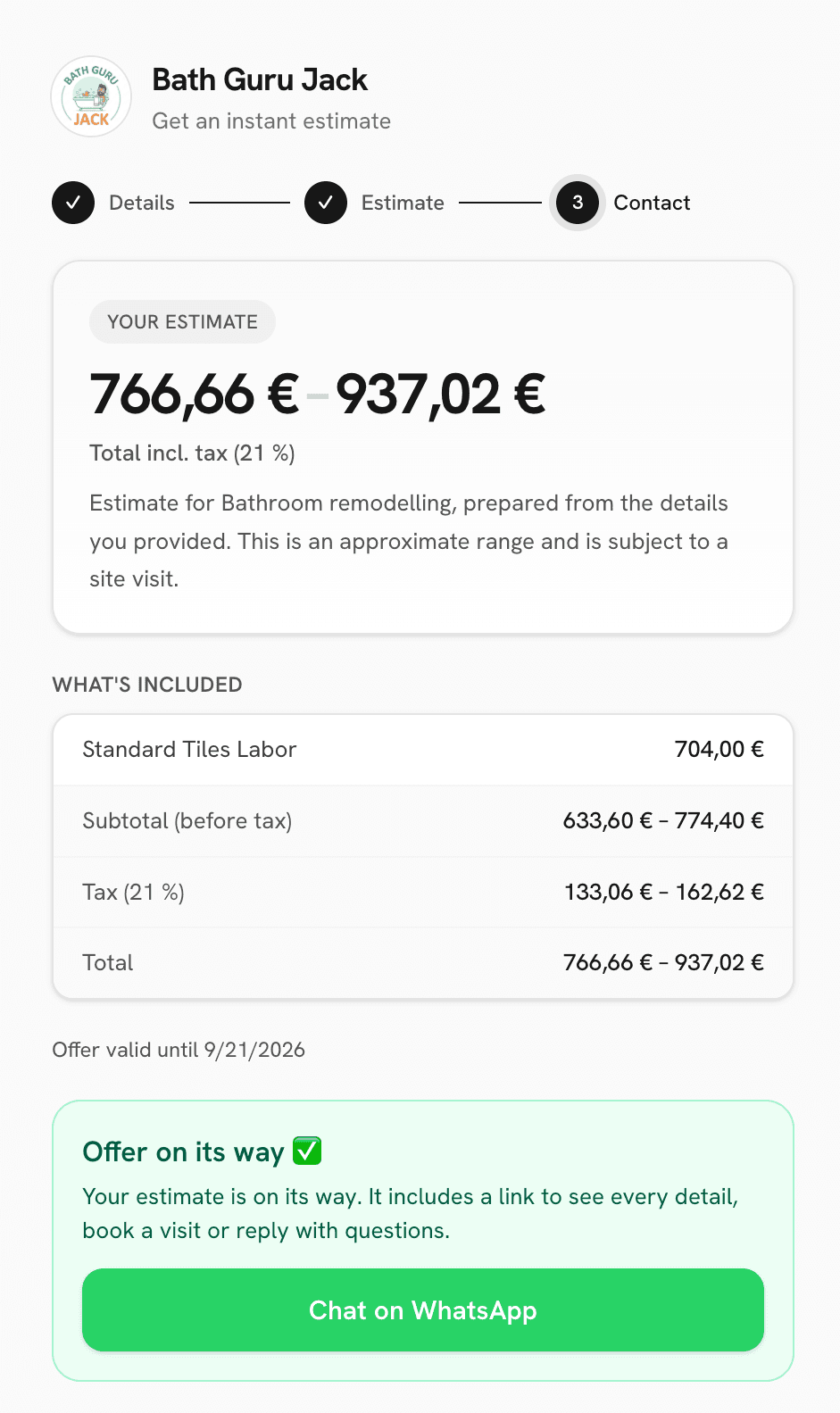
Ofértamelo prepares a starting range from the prices and choices saved by your business.
Different job sizes and customer selections can produce different results, but the price remains under your control. AI may help organise the description; it does not decide the amount.
The range gives the customer enough information to decide whether they want to continue. It remains clear that final confirmation may depend on a visit or closer review.
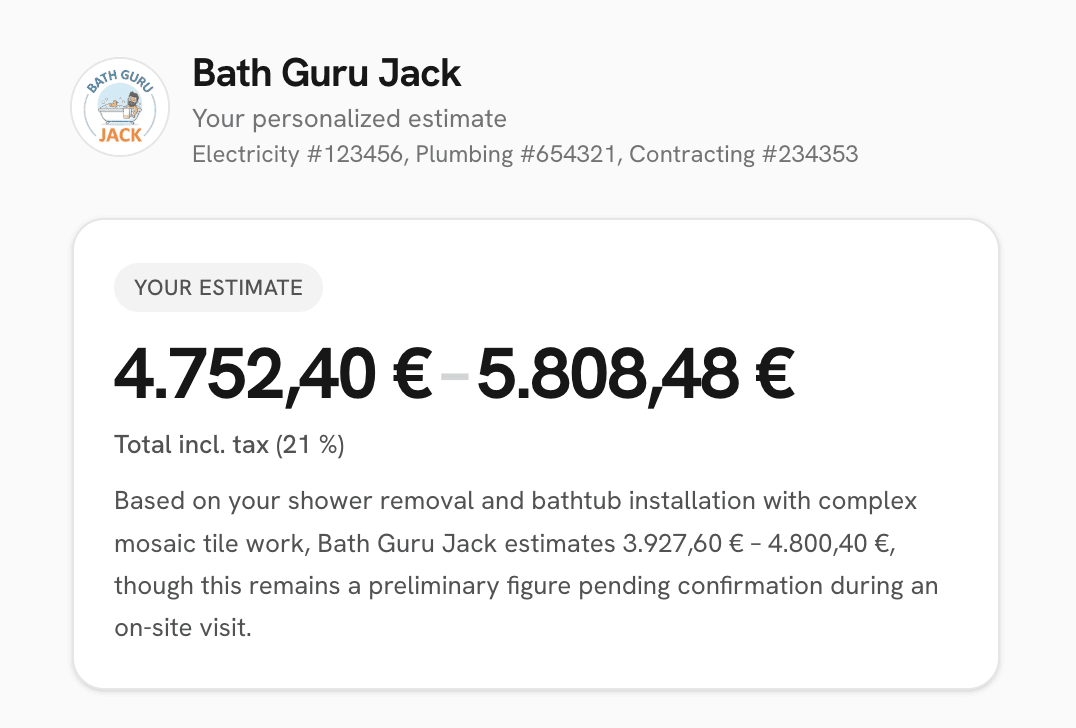
Subject to review or a site visit
Your prices determine the range.
03 · Verified contact
Show the range first. Ask for a confirmed contact when they want the full estimate.
The customer can decide whether the starting range fits the work before completing the enquiry.
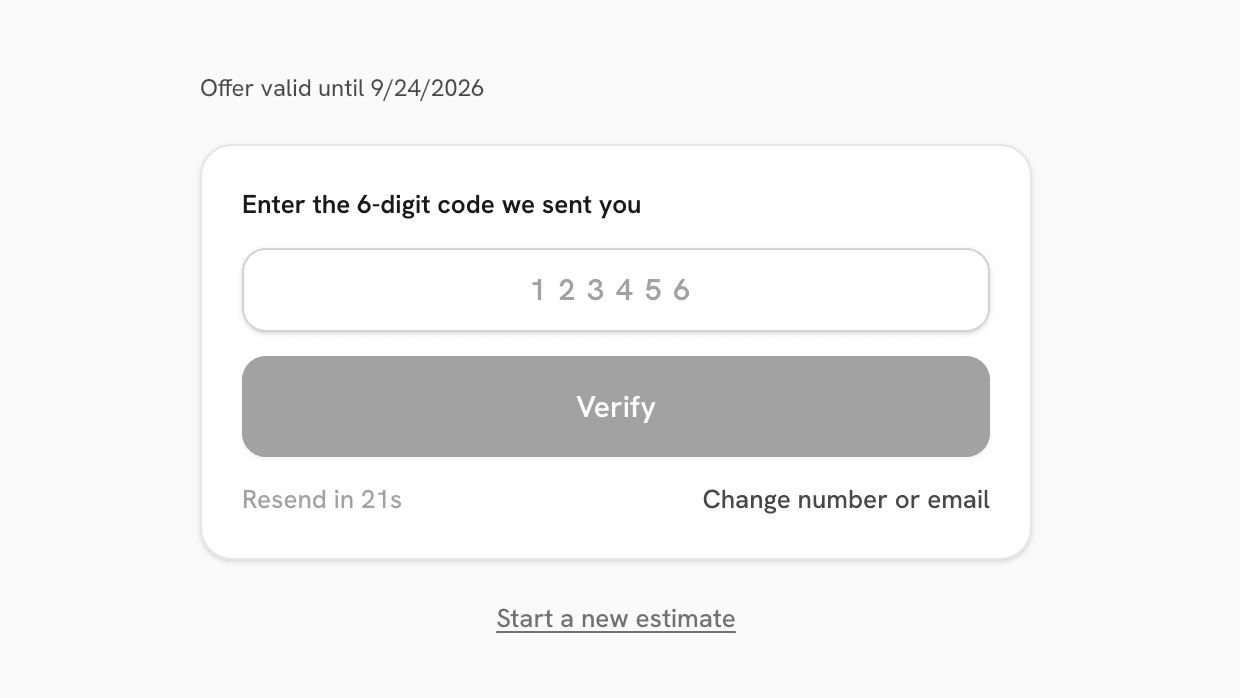
To receive the full estimate by email, they confirm their contact details. Only then does the request appear as a lead in your dashboard and count toward the plan allowance.
Visitors who stop before confirmation do not fill the lead list and are not included in billing.
| Appears as a lead? | |
|---|---|
| Opens the estimate form | No |
| Answers questions | No |
| Sees a range but leaves | No |
| Confirms contact and requests the estimate | Yes |
04 · Customer delivery
The full estimate arrives ready to read and keep.
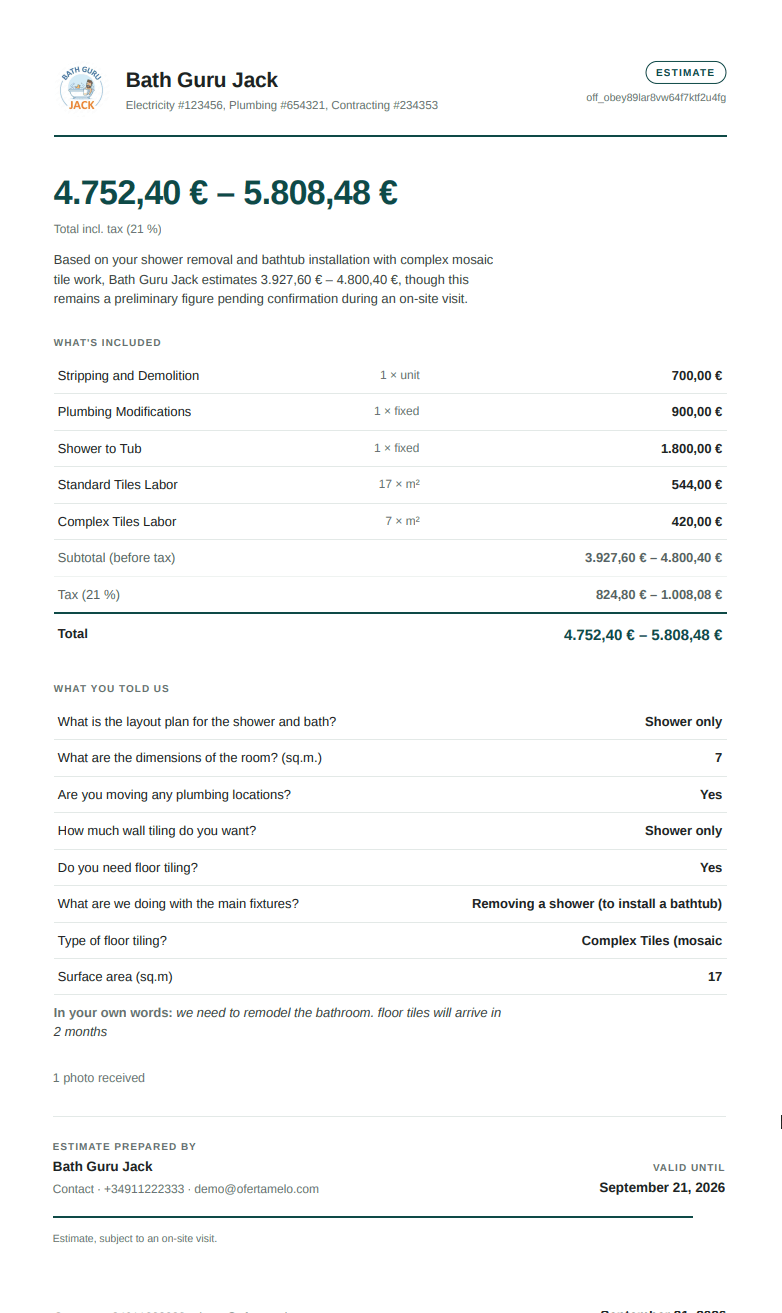
The customer receives an estimate carrying your business name, contact details, and credentials.
It brings together the price range, included work, information the customer supplied, tax presentation, and validity date. A PDF is delivered with the email for easy reference.
The estimate belongs to the relationship between your business and the customer. Ofértamelo does not place the enquiry into a marketplace or invite competing businesses into the conversation.

Act three · Keep the enquiry moving
After the estimate
The next step stays connected to the original enquiry.
Some customers reply with a question. Some are ready to arrange a visit. Others need time before making a decision.
Ofértamelo keeps those actions attached to the estimate, so you do not have to reconstruct the history from separate forms, inboxes, calendar entries, and notes.
Customer replies
Read and answer the message with the service and estimate still in view.
Could the work start in early October?
Customer books a visit
The appointment appears with the customer and service information.
Customer needs time
A short, limited reminder sequence follows up without turning the enquiry into an ongoing marketing campaign.
The decision happens elsewhere
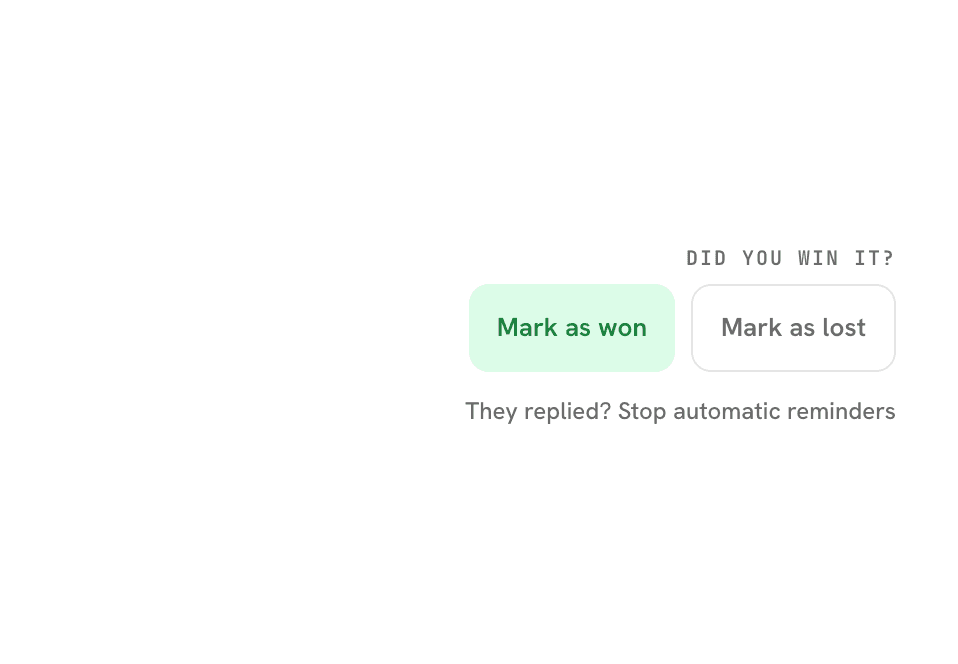
Mark the work as won or lost so the dashboard reflects the real outcome.
A reminder when it helps. Silence when it does not.
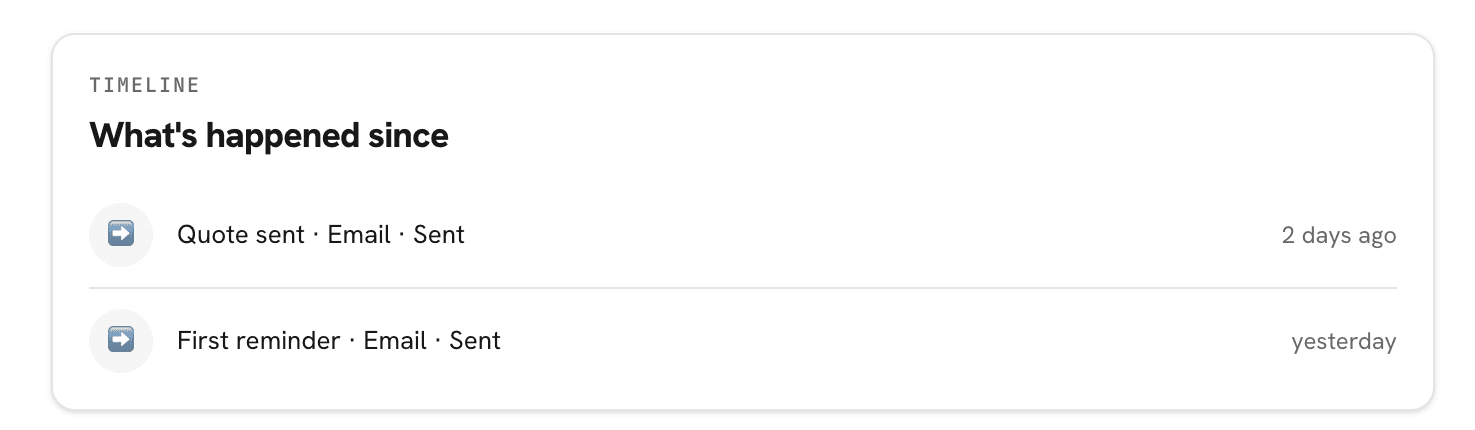
Ofértamelo follows up when a customer has not acted on the estimate. Pending reminders stop when the customer responds or books a visit.
There is no open-ended campaign and no unrelated promotional messaging.
Follow-up remains part of the estimate conversation.
Estimate delivered
Reminder sent
Customer returns
Visit booked
Move from an estimate to a real appointment.
Available visit times appear directly on the customer's estimate. The customer chooses a suitable time, and the appointment is added to the business calendar.
When Google Calendar is connected, existing busy periods remain unavailable to customers. Ofértamelo only needs to know when the business is free; it does not need the contents of unrelated events.
See what happened without piecing it together afterward.
Open a lead to review the customer's original answers, the estimate they received, messages, reminders, visit details, and current outcome.
The record stays useful even when the final conversation happens by phone or in person. Mark the result when you know it, and the business overview stays accurate.
Everything attached to the same enquiry.
Start from the website, a shared link, or a QR code.
Customers can open the same estimate experience from your website, a permanent hosted link, or a QR code on printed material.
View installation options →

Be ready for the next “Can you give me a price?”
Prepare your first service once, then give every new customer a faster and clearer way to request an estimate.
Plans from $39.00 per month, excluding applicable taxes.