
Integrations
Keep estimates connected to the rest of the job.
Block times when you are already busy, export verified leads whenever you need them, or send new activity to the tools your business already uses.
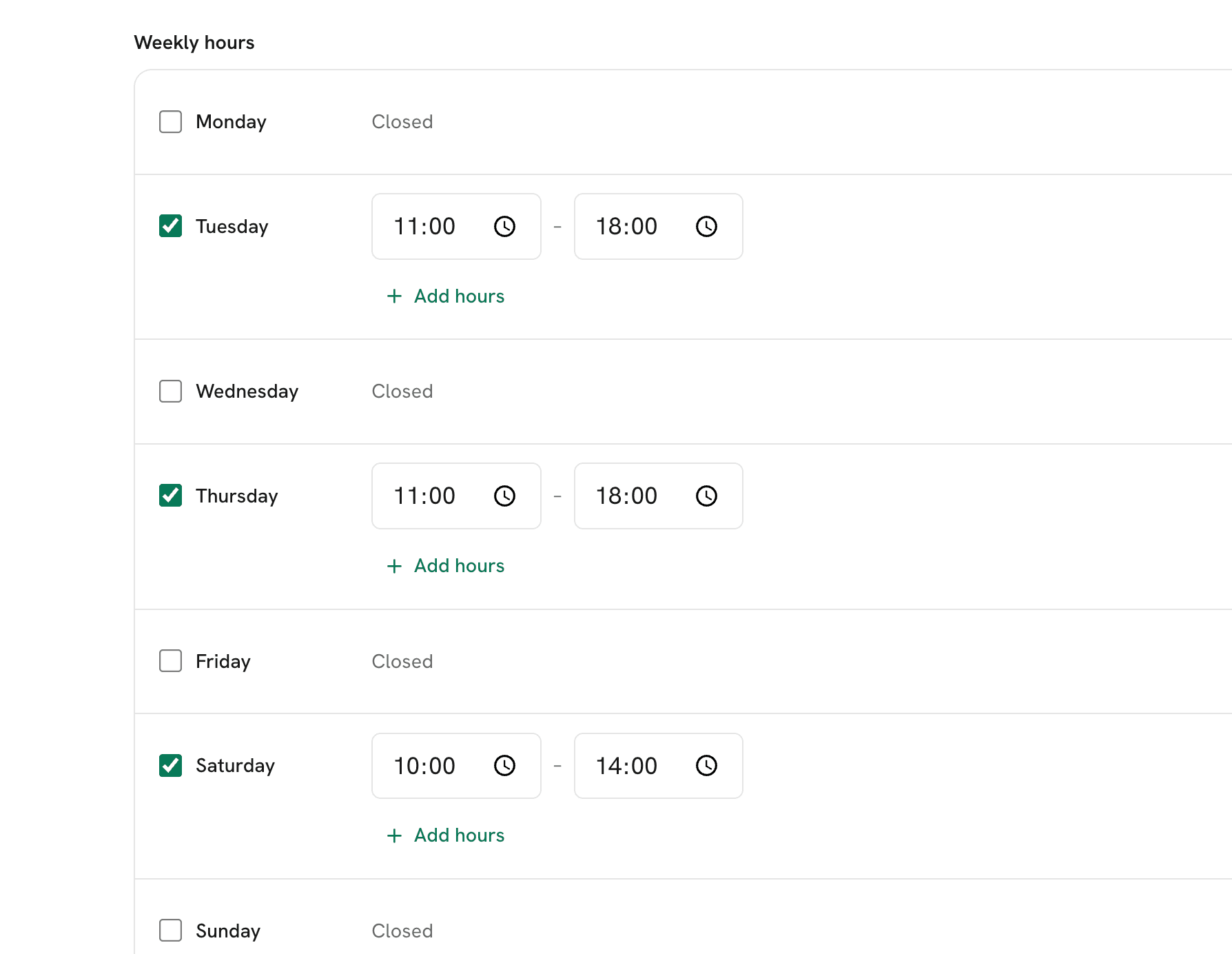
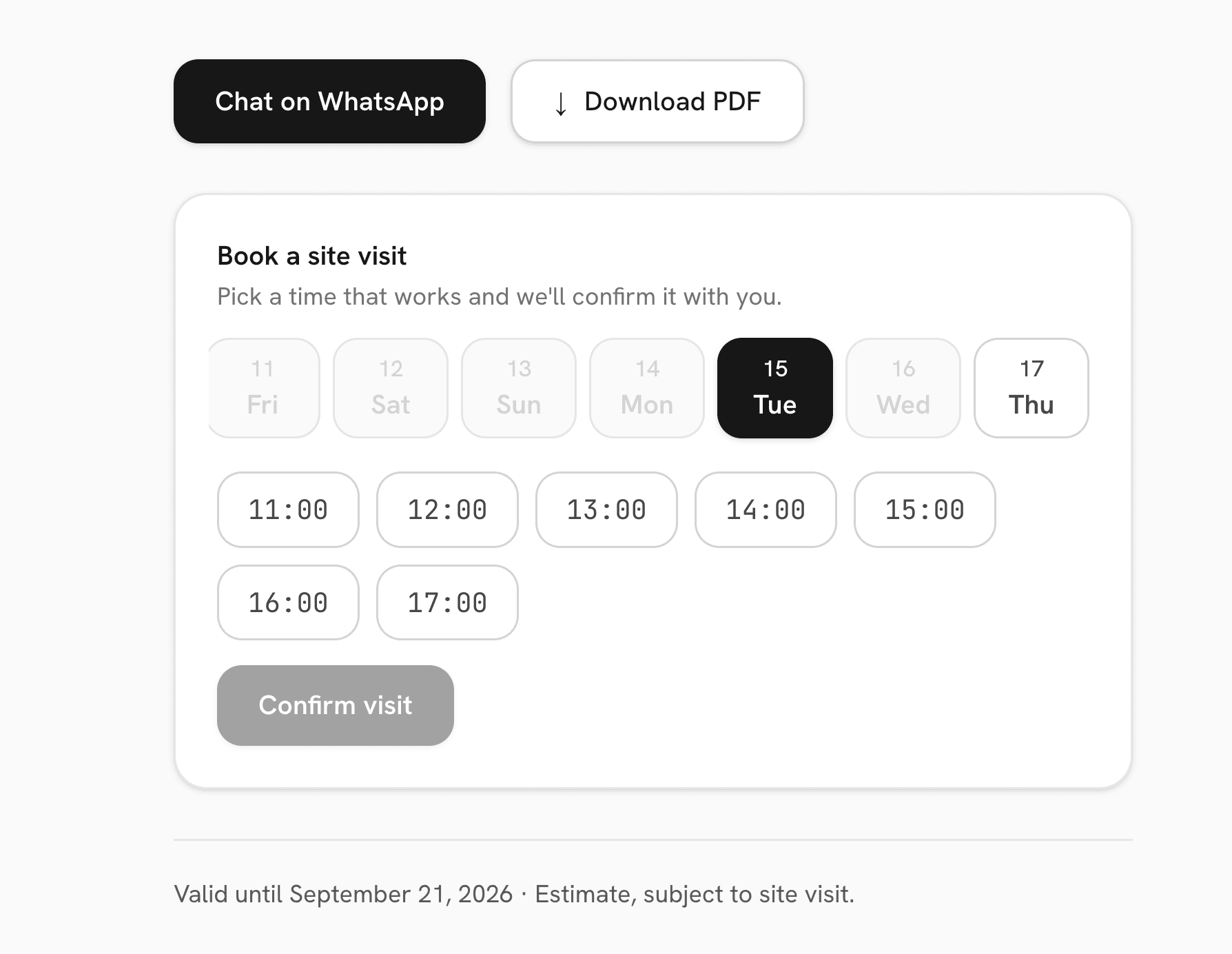
Offer visit times without double-booking yourself.
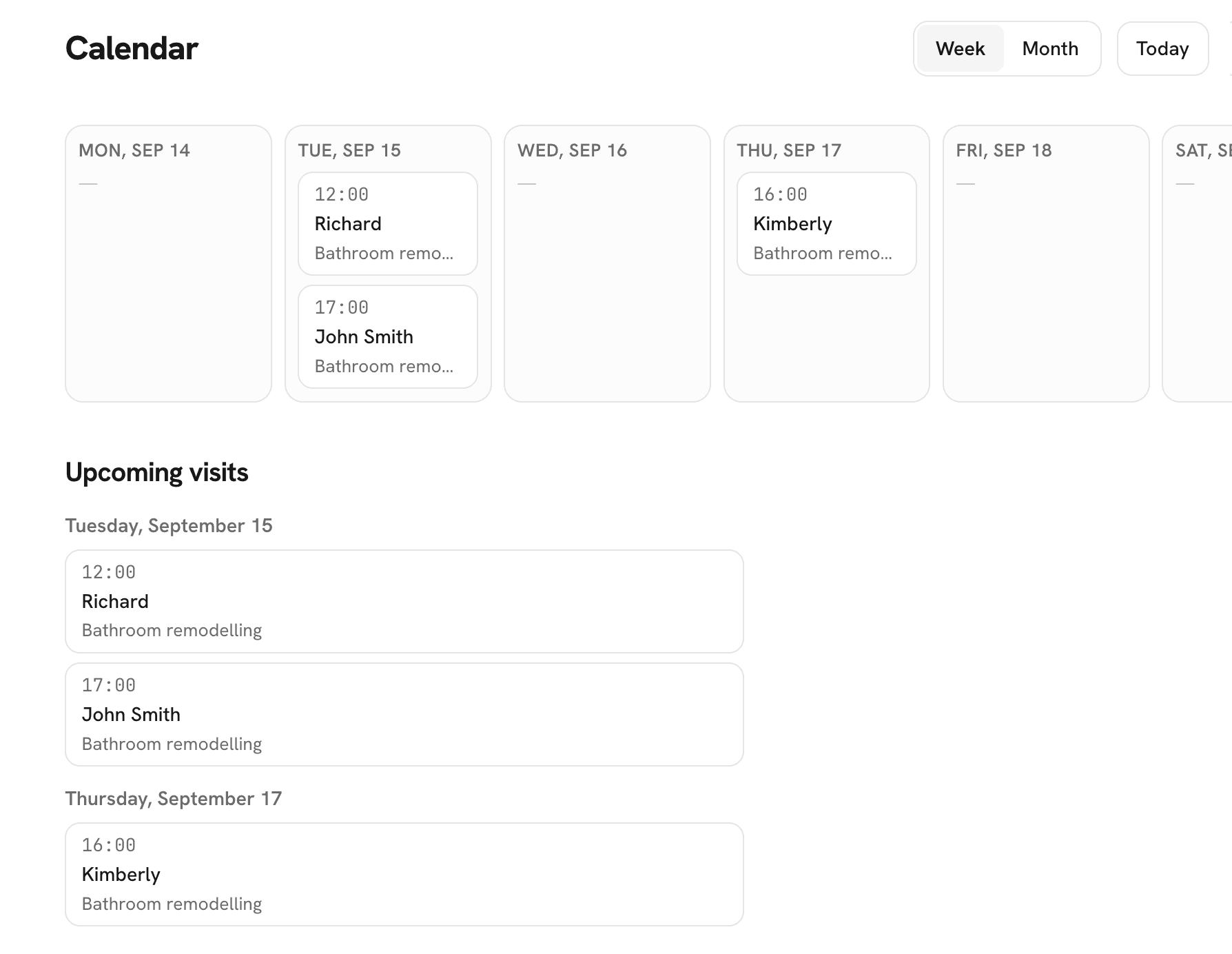
Available at launchConnect Google Calendar and customers will only see times that fit around your existing schedule. Confirmed site visits appear in a separate Ofértamelo calendar, so work and availability stay aligned.
Ofértamelo checks when you are busy. It does not read the titles, descriptions, attendees, or contents of your other events.
Move your lead data
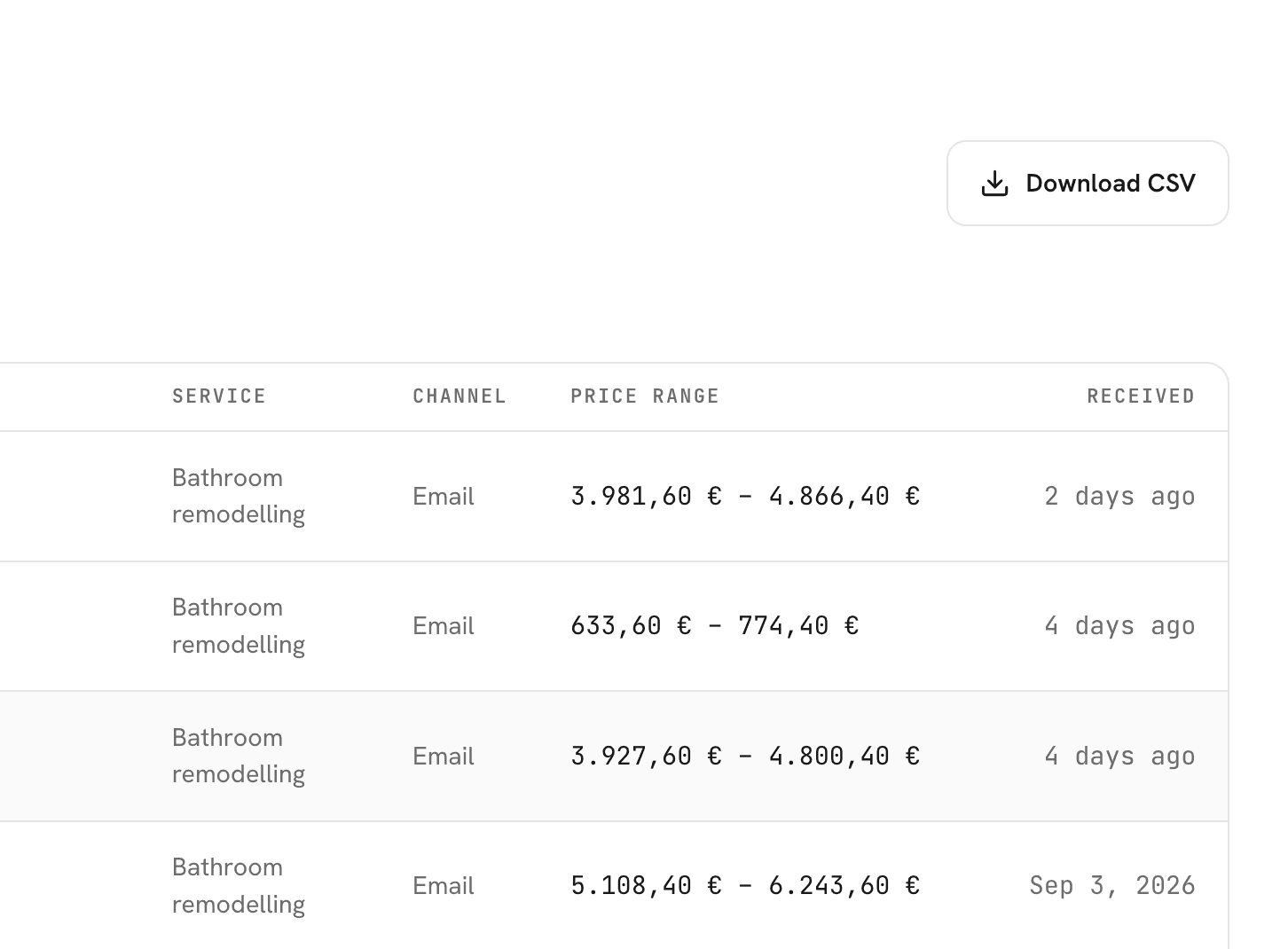
Take your lead list with you.
Download your verified leads as a spreadsheet whenever you need them. Use it for reporting, handover, or importing into another system.
Available on Pro and Business.
Send new activity to your existing tools.
Businesses with an existing CRM or automation setup can send new lead, estimate, and booking activity as it happens.
Webhook setup requires someone comfortable connecting business software.
Available on Pro and Business.
View developer tools →No additional connection required.
Email and PDF delivery
Customer estimates are delivered by email with a branded PDF. Replies return to the business.
Website, permanent link, and QR
Give customers access through the website widget, a shareable link, or a printed QR code.
Billing through Stripe
Invoices, receipts, payment methods, and cancellation are handled through Stripe's secure billing portal.
Connect what you use. Export what you need.
Start with Google Calendar, or use developer tools to pass Ofértamelo activity into an existing business system.